





⚡ Quick Answer
To verify BIS IS 17526:2021 certification: download the BIS Care app (Android and iOS) and search for the brand or product. You can also look for the ISI mark (IS 17526:2021) printed on certified products. An uncertified bottle cannot legally display the ISI mark — but some brands print fake marks.
BIS Verification Steps
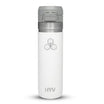
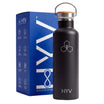
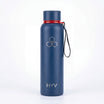
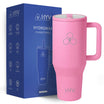
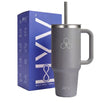
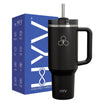
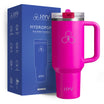
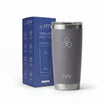
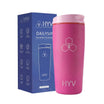
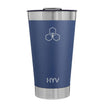
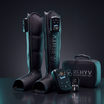
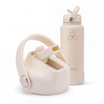
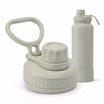
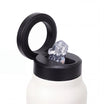
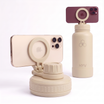
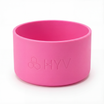
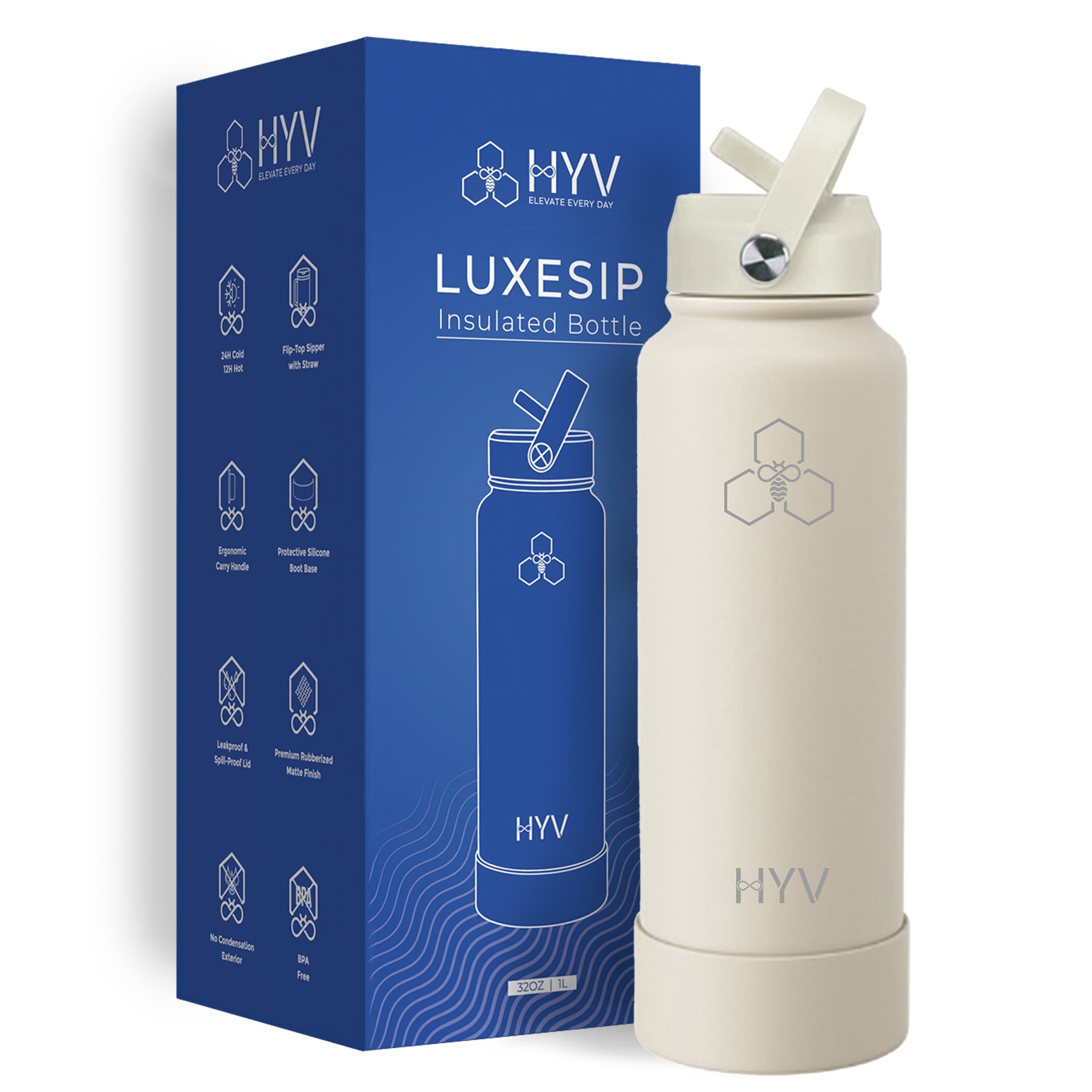
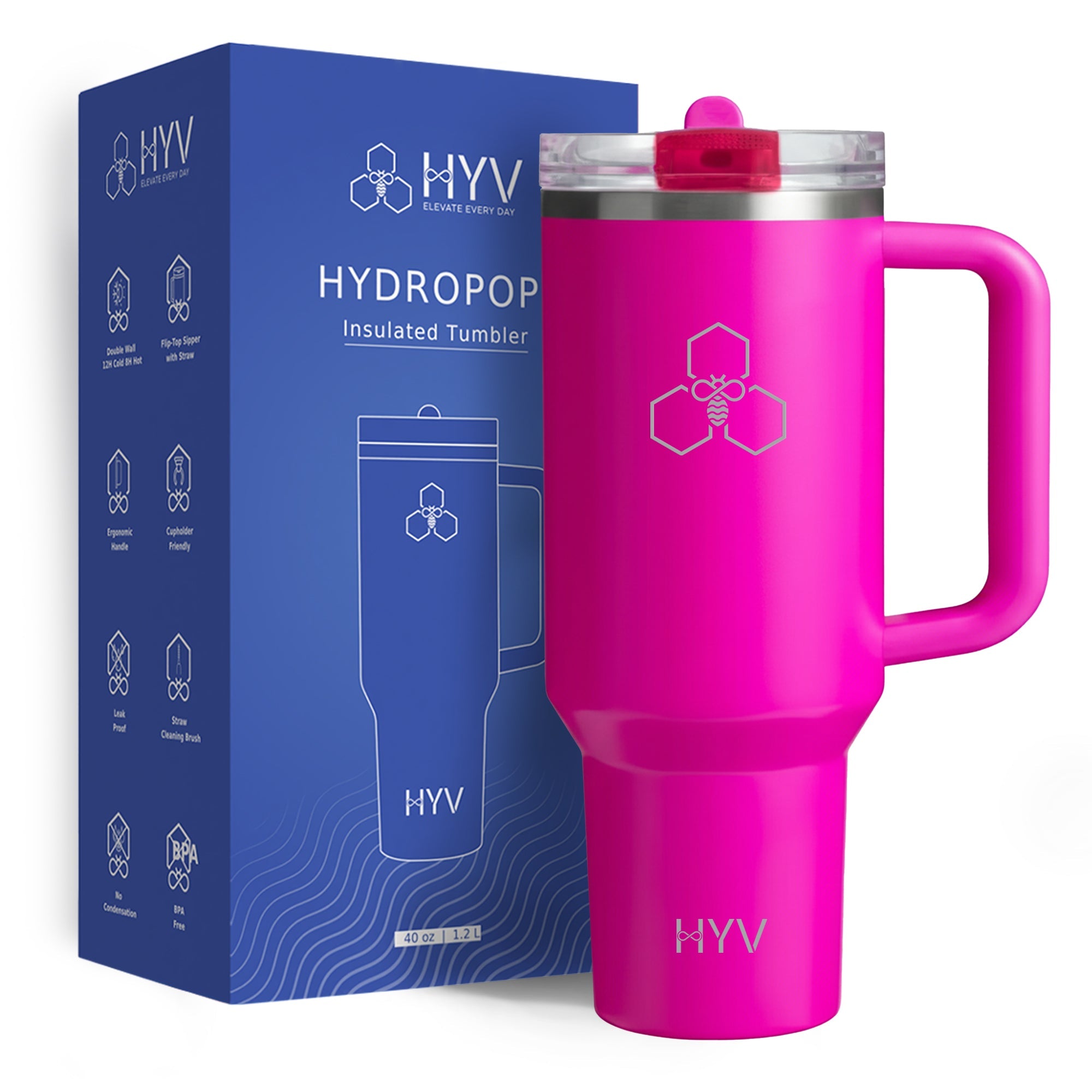
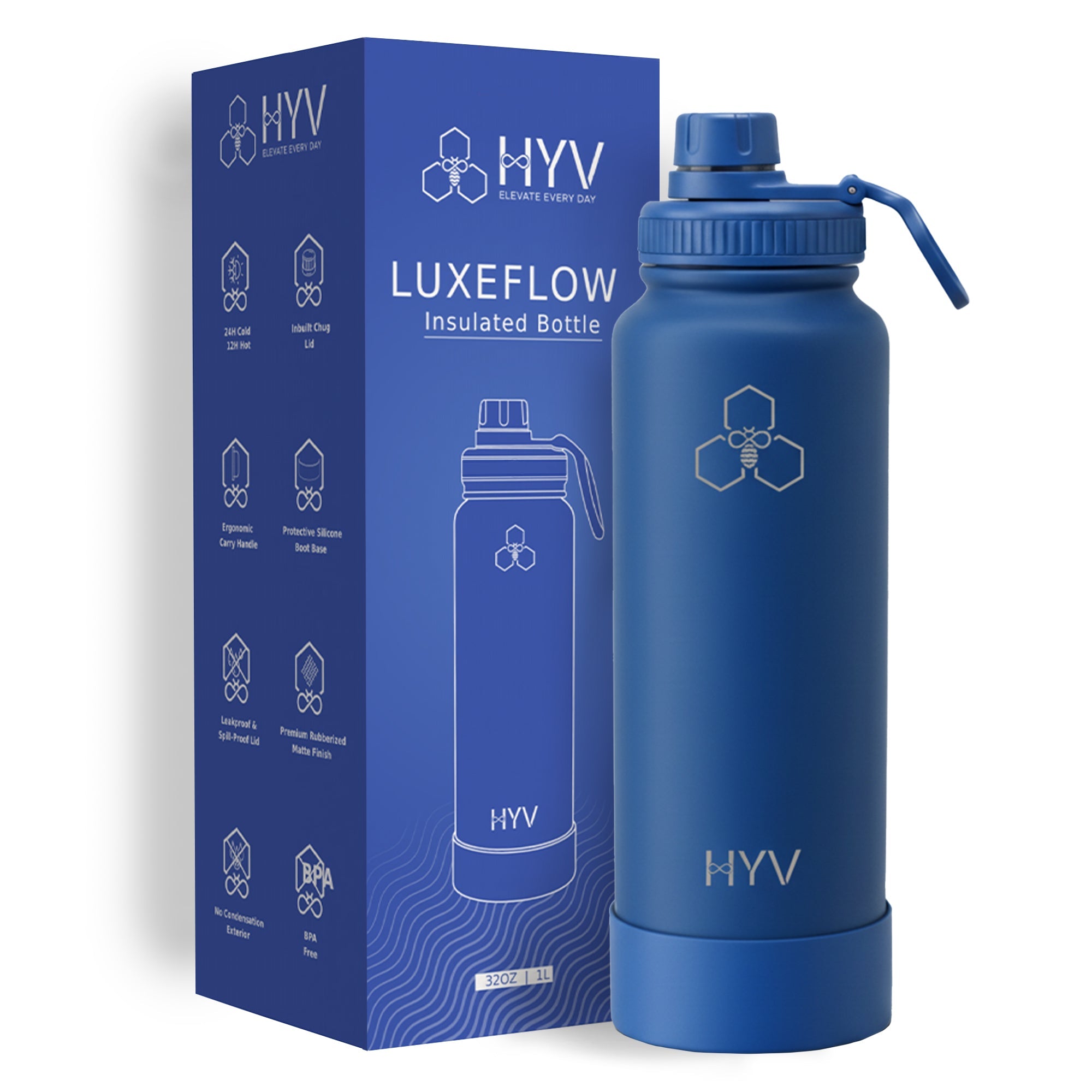
HYV picks, with the actual product
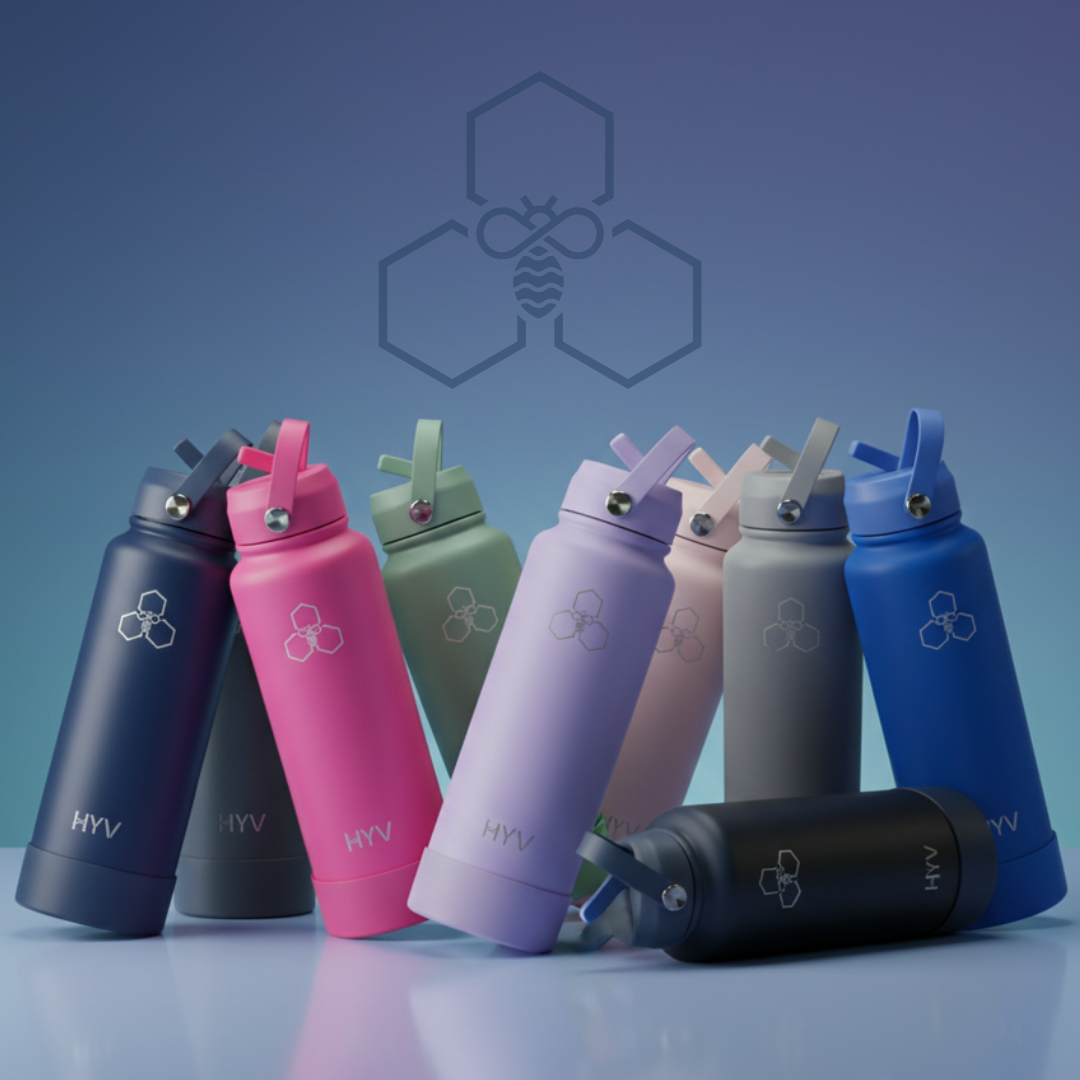
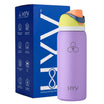
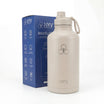
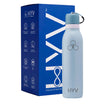
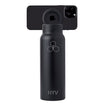
Three models worth looking at for this, photographed as they ship. Prices are the direct price on livehyv.com.


Shop HYV insulated water bottles →
Free shipping on orders over ₹499 · 7-day free replacement for product issues. HYV makes BIS-certified bottles.
Step-by-Step: How to Verify on the BIS Care App
Step 1: Download the BIS Care app from Google Play Store or Apple App Store. It's free and official.
Step 2: Open the app and go to 'License Search'.
Step 3: Search for the brand name (e.g., 'HYV') or the IS number for water bottles.
Step 4: The app will show all certified products from that brand with their license numbers, product types, and certification status.
Step 5: Cross-reference the certification number on the bottle's label with the app listing.
The ISI Mark — What to Look For
The ISI mark is a circular logo with 'ISI' inside and the IS number (IS 17526:2021 for water bottles) printed next to it. Certified bottles must display this mark on the product or packaging. The presence of the mark alone is not sufficient verification — always cross-check on the BIS Care app, as some uncertified products counterfeit the mark.
💡 Red Flags for Fake Certification
If a brand claims BIS certification but (1) the product is not findable on the BIS Care app, (2) the IS number on the label does not match IS 17526:2021, or (3) the certification number doesn't match the app listing — treat the certification claim as unverified. Report suspected counterfeit marks to BIS at bis-mcp@gov.in.
We go into this properly in the honest ranking.
Frequently Asked Questions
Certified and Verifiable.
HYV makes BIS-certified bottles. Free shipping above ₹499.
Shop Now →


Leave a comment
This site is protected by hCaptcha and the hCaptcha Privacy Policy and Terms of Service apply.